

Azoteq (Pty) Ltd IQS572BLQNR
- Part No.:
- IQS572BLQNR
- Manufacturer:
- Azoteq (Pty) Ltd
- Category:
- Sensor, Capacitive Touch
- Package:
- 28-UFQFN
- Datasheet:
-
 IQS572BLQNR.pdf
- Description:
- 72CH. TRACKPAD/TOUCH SCREEN CONT
- Quantity:
Unit Price:$0
Ext Price:$0
- Payment:

- Shipping:

Inventory:1,379
Send us your inquiry,we will respond immediately.
Product details
- Specifications
- FAQ
- Comparison
- Attributes
- Property Value
- Manufacturer:
- Azoteq (Pty) Ltd
- Package/Case:
- 28-UFQFN
- Series:
- ProxSense®
- Packaging:
- Tape & Reel (TR)
- Product Status:
- Not For New Designs
- Programmable:
- Not Verified
- Type:
- Buttons
- Proximity Detection:
- Yes
- Number of Inputs:
- 72
- LED Driver Channels:
- -
- Interface:
- I2C
- Resolution:
- 8 b
- Voltage - Supply:
- 1.65V ~ 3.6V
- Current - Supply:
- 80mA
- Operating Temperature:
- -40°C ~ 85°C
- Grade:
- -
- Qualification:
- -
- Mounting Type:
- Surface Mount
- Supplier Device Package:
- 28-QFN (4x4)
- Category:
- Sensor, Capacitive Touch
1. How to order IQS572BLQNR on SENICO ELECTRONICS INTL CO., LIMITED?
Currently, SENICO ELECTRONICS INTL CO., LIMITED only provide peer-to-peer order processing. While you submit the RFQ, our professional agent will contact you with the competitive prices in the global market, and our agent will prompt you to finish the order if you accept our offers.
2. How does SENICO ELECTRONICS INTL CO., LIMITED guarantee that IQS572BLQNR is from the original manufacturer or authorized agents?
We have a professional and experienced quality control team to strictly verify and test the IQS572BLQNR. All suppliers must pass our qualification reviews before they can publish their products including IQS572BLQNR on SENICO ELECTRONICS INTL CO., LIMITED; we pay more attention to the channels and quality of IQS572BLQNR products than any other customer. We strictly implement supplier audits, so you can purchase with confidence.
3. Are the IQS572BLQNR price and inventory displayed accurate?
The price and inventory of IQS572BLQNR fluctuates frequently and cannot be updated in time, it will be updated periodically within 24 hours. And, our quotation usually expires after 5 days.
4. What forms of payment are accepted?
Wire Transfer, PayPal, Alipay, Wechat, Credit Card, Western Union, MoneyGram, and Escrow are all acceptable.
Warm Tips: Some orders in certain payment forms may require handling fee.
5. How is the shipping arranged?
Customers can choose industry-leading freight companies, including DHL, UPS, FedEx, TNT, and Registered Mail. Shipping insurance is also available.
Once your order has been processed for shipment, our salesperson will send you an email advising you of the shipping status and tracking number.
Warm Tips: It may take up to 24 hours for the carriers to display tracking information. Usually, express delivery takes 3-5 days, and registered mail takes 25-60 days.
6. What is the process for return or replacement of IQS572BLQNR?
All goods will implement Pre-Shipment Inspection (PSI), selected at random from all batches of your order to do a systematic inspection before arranging the shipment. If there is something wrong with the IQS572BLQNR we delivered, we will accept the replacement or return of the IQS572BLQNR only when all of the below conditions are fulfilled:
(1)Such as a deficiency in quantity, delivery of wrong items, and apparent external defects (breakage and rust, etc.), and we acknowledge such problems.
(2)We are informed of the defect described above within 90 days after the delivery of IQS572BLQNR.
(3)The PartNo is unused and only in the original unpacked packaging.
Two processes to return the products:
(1)Inform us within 90 days
(2)Obtain Requesting Return Authorizations
7.How to contact us to get technical supports, such as IQS572BLQNR pin diagram, IQS572BLQNR datasheet?
If you need any after-sales service, please do not hesitate to contact us.
| Image |  |
| Part Number | IQS572BLQNR |
| Manufacturer | Azoteq (Pty) Ltd |
| Package/Case | 28-UFQFN |
| Series | ProxSense® |
| Packaging | Tape & Reel (TR) |
| Product Status | Not For New Designs |
| Programmable | Not Verified |
| Type | Buttons |
| Proximity Detection | Yes |
| Number of Inputs | 72 |
| LED Driver Channels | - |
| Interface | I2C |
| Resolution | 8 b |
| Voltage - Supply | 1.65V ~ 3.6V |
| Current - Supply | 80mA |
| Operating Temperature | -40°C ~ 85°C |
| Grade | - |
| Qualification | - |
| Mounting Type | Surface Mount |
| Supplier Device Package | 28-QFN (4x4) |
IQS572BLQNR Relevant information
- IQS572BLQNR Tags
- Popular Search
The following parts are popular search parts in Sensor, Capacitive Touch.
-
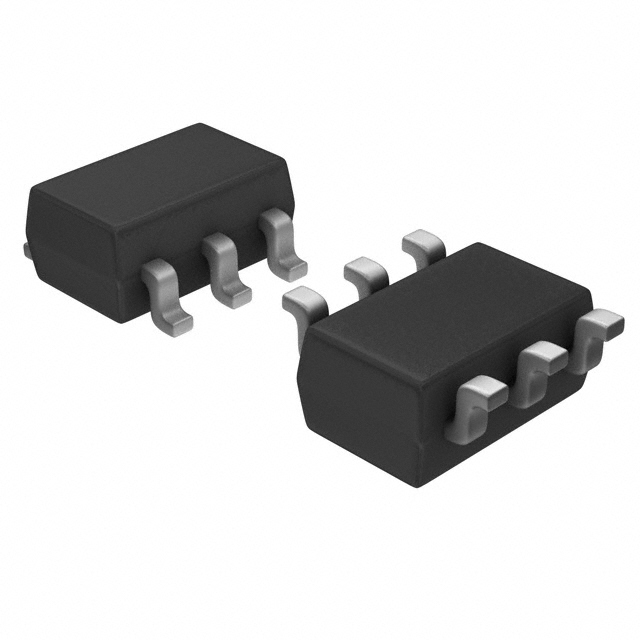
IQS228B00000000TSR
Azoteq (Pty) Ltd
-
MTCH101T-I/OT
Microchip Technology
-
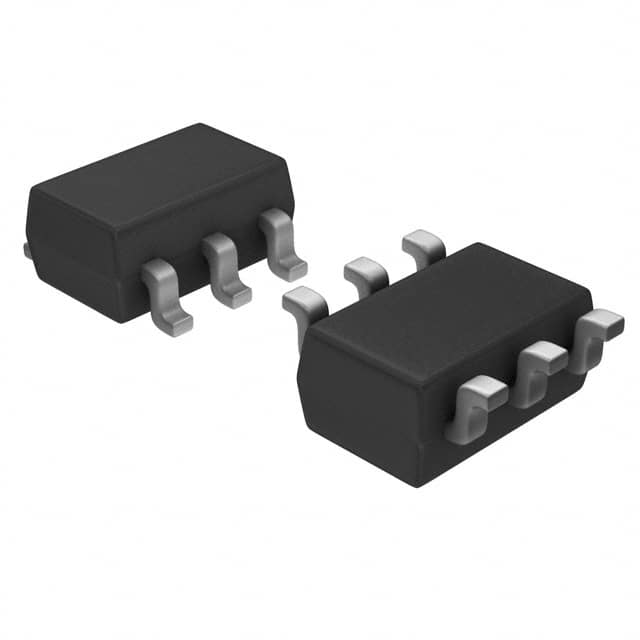
IQS323001CSR
Azoteq (Pty) Ltd
-
AT42QT1010-TSHR
Microchip Technology
-
AT42QT1012-TSHR
Microchip Technology
-
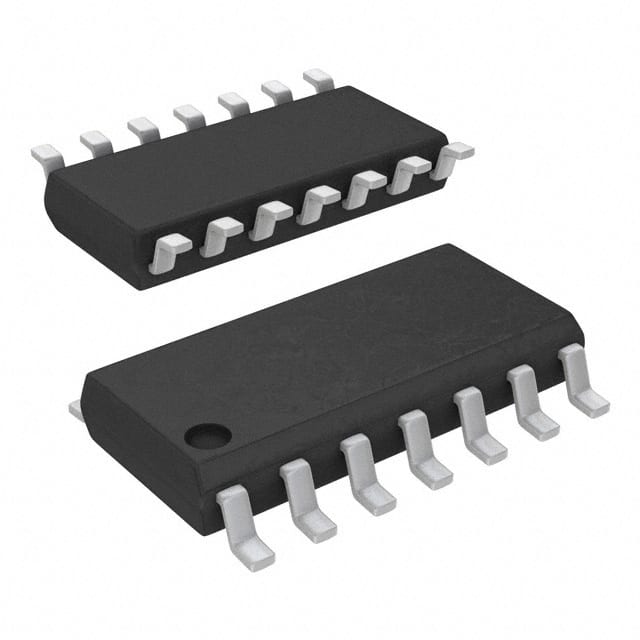
AT42QT1011-TSHR
Microchip Technology
-
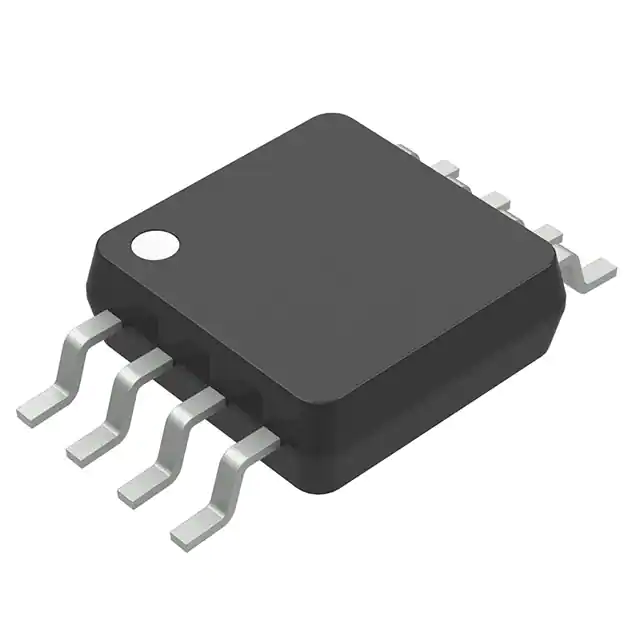
CAP1206-1-SL-TR
Microchip Technology
-
MTCH102T-I/MS
Microchip Technology
-
IQS323001DNR
Azoteq (Pty) Ltd
-
AT42QT1070-SSUR
Microchip Technology
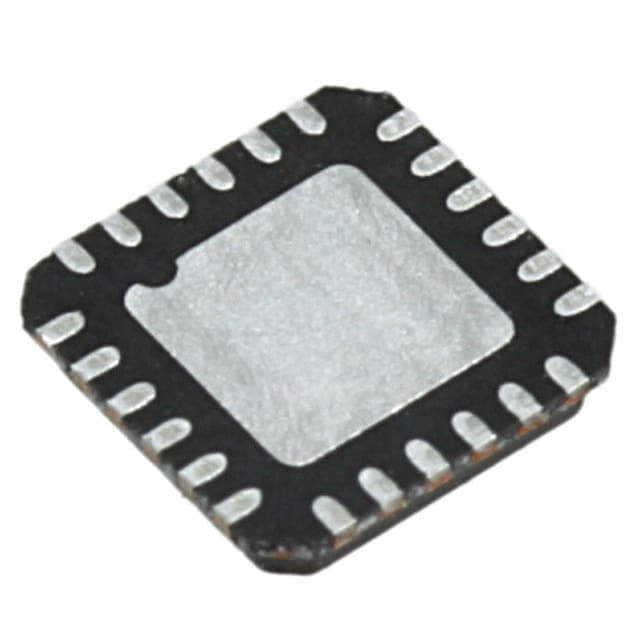
-
CAP1188-1-CP-TR
Microchip Technology
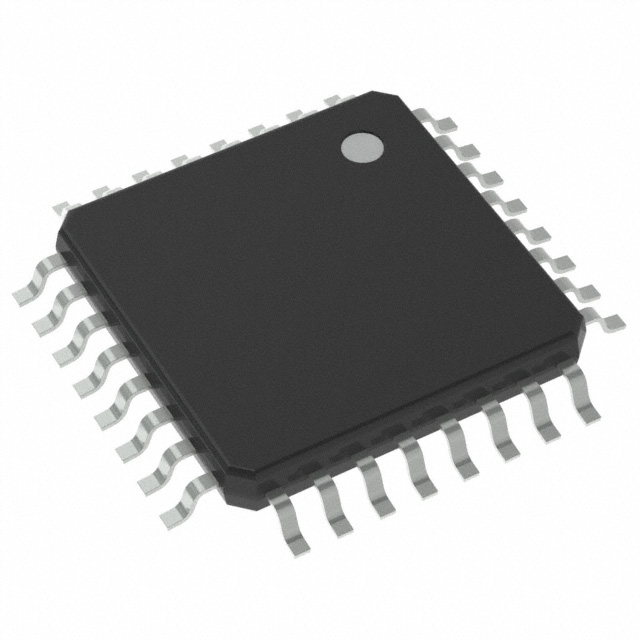
-
AT42QT1110-AUR
Microchip Technology

- Help you to save your cost and time.

- Reliable package for your goods.

- Fast reliable delivery to save time.

- Quality premium after-sale service.



