

UbiBot SP1-SIM
- Part No.:
- SP1-SIM
- Manufacturer:
- UbiBot
- Category:
- Environmental Testers
- Package:
- Datasheet:
-
 SP1-SIM.pdf
- Description:
- WIFI/4G SMART PLUG S/TEMP/RH/LUX
- Quantity:
Unit Price:$0
Ext Price:$0
- Payment:

- Shipping:

Inventory:1,000
Send us your inquiry,we will respond immediately.
Product details
- Specifications
- FAQ
- Comparison
- Attributes
- Property Value
- Manufacturer:
- UbiBot
- Series:
- UbiBot SP1
- Packaging:
- Box
- Product Status:
- Active
- Type:
- Data Logger and Control
- For Measuring:
- Humidity, Temperature, Soil Temperature/Moisture, Carbon Dioxide
- Includes:
- SIM Card, Software
- Category:
- Environmental Testers
1. How can I order SP1-SIM from SENICO ELECTRONICS INTL CO., LIMITED?
Use the RFQ form to send the exact part number, required quantity and any packaging, date-code or delivery requirements. Review the written quotation and confirm the order terms before purchasing. If online purchasing is available for this item, check the displayed quantity and price before proceeding to checkout.
2. What sourcing and quality information should I confirm for SP1-SIM?
Ask which source and traceability documents are available for the offered lot, and specify any inspection or testing requirements in your RFQ. Confirm the agreed evidence and acceptance criteria in writing before ordering; a product listing alone does not establish manufacturer authorization or lot-specific test results.
3. How should I confirm the price and availability of SP1-SIM?
Price and available quantity can change. Check the quantity tier and currency of any displayed price, and confirm the current quantity, unit price, lead time and quotation validity before placing an order. An RFQ or Negotiable listing requires a quotation rather than indicating a fixed selling price.
4. What payment terms apply to my order?
Confirm the accepted payment method, payment currency and any handling fees in the quotation or order confirmation. Verify the payment instructions with your sales contact before sending payment.
5. How should I arrange shipping?
Provide the delivery destination when requesting a quotation. Confirm the available shipping method, freight charges, estimated dispatch date and delivery terms before ordering. Request the shipment tracking details from your sales contact when they are available.
6. How can I request a return or replacement of SP1-SIM?
Contact your sales representative with the order number, part number, quantity and a description of the issue, including photographs where relevant. Check the applicable return conditions and time limits for your order, and obtain return authorization and shipping instructions before sending any goods back.
7. How can I request the datasheet or technical information for SP1-SIM?
Use the datasheet link on the product page when available, or contact us with the exact manufacturer and part number. Check the manufacturer's current datasheet and package documentation for electrical limits, pin assignments and application requirements before design-in.
| Image | 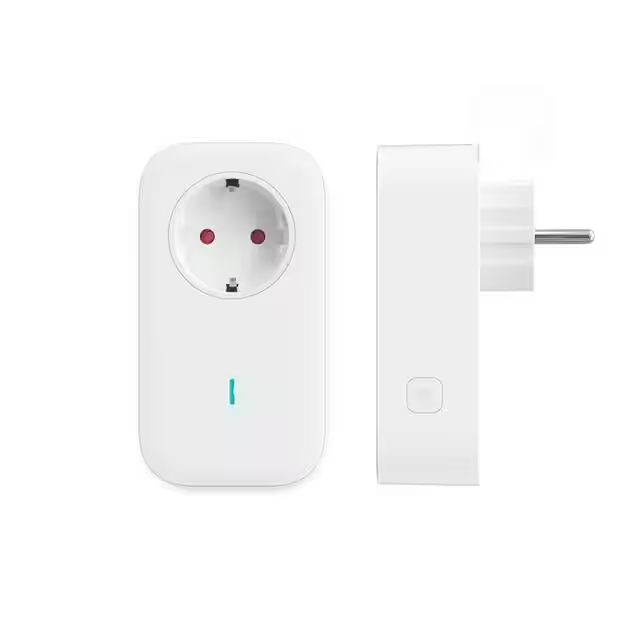 |
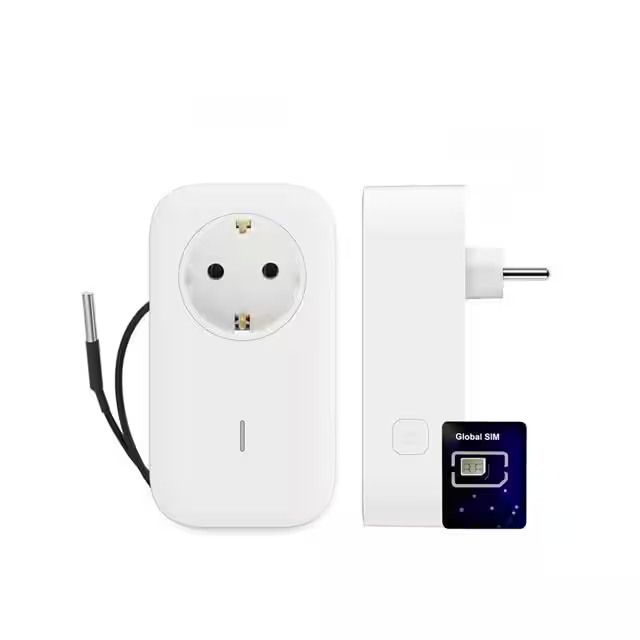 |
| Part Number | SP1-WIFI | SP1-SIM |
| Manufacturer | UbiBot | UbiBot |
| Series | UbiBot SP1 | UbiBot SP1 |
| Packaging | Box | Box |
| Product Status | Active | Active |
| Type | Data Logger and Control | Data Logger and Control |
| For Measuring | Humidity, Temperature, Soil Temperature/Moisture, Carbon Dioxide | Humidity, Temperature, Soil Temperature/Moisture, Carbon Dioxide |
| Includes | Software | SIM Card, Software |
SP1-SIM Relevant information
- SP1-SIM Tags
- Popular Search
The following parts are popular search parts in Environmental Testers.
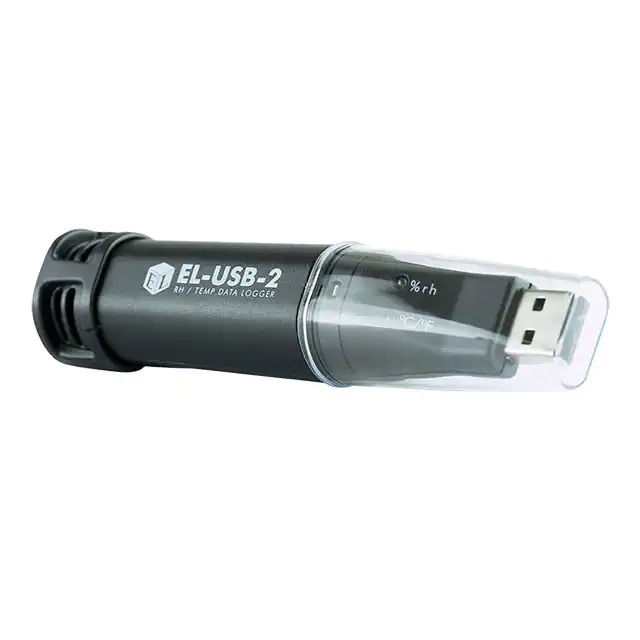
-
EL-USB-2
Lascar Electronics
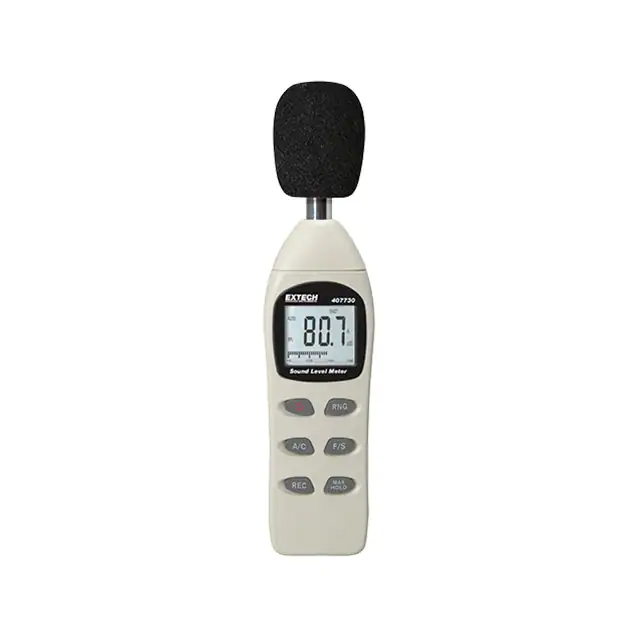
-
407730
FLIR Extech
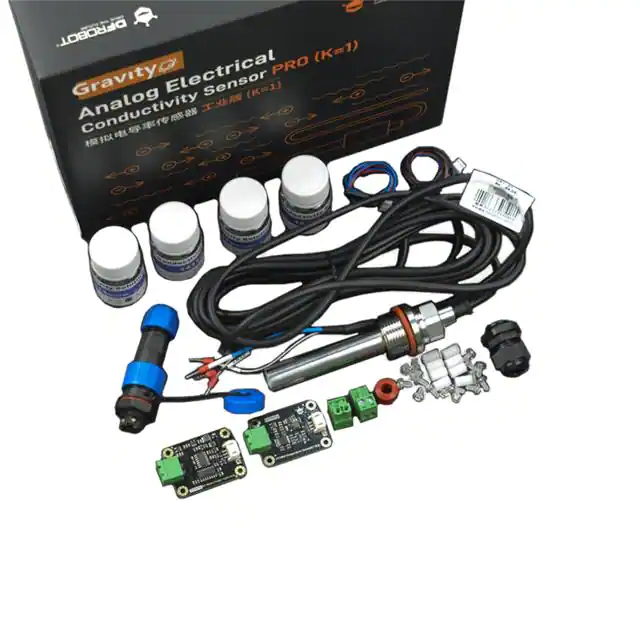
-
SEN0451
DFRobot
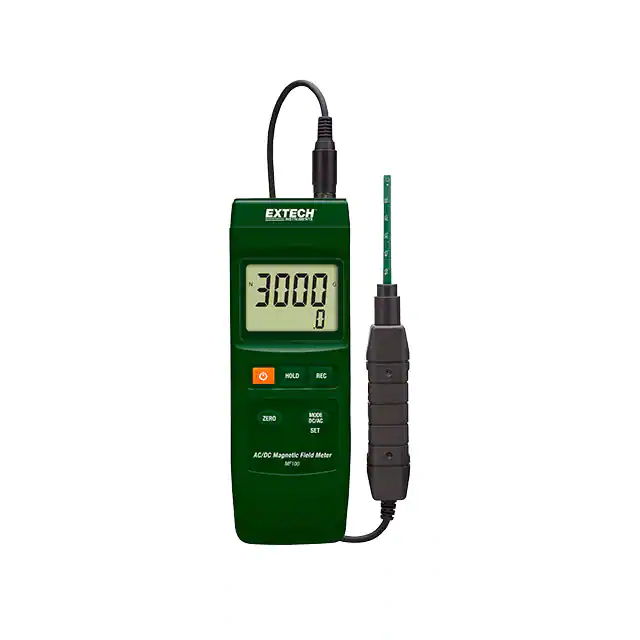
-
MF100
FLIR Extech

-
11002-0201
Teledyne FLIR Commercial Systems
-
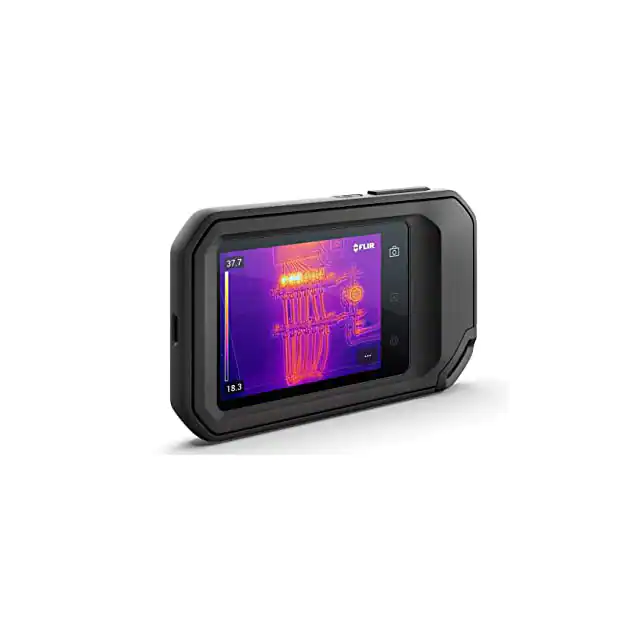
FLIR C3-X
Teledyne FLIR Commercial Systems
-
FLIR C5
Teledyne FLIR Commercial Systems
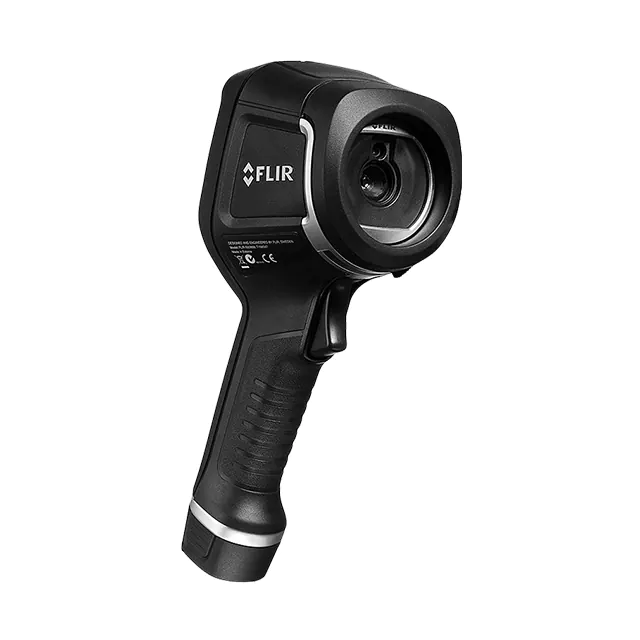
-
FLIR E4
Teledyne FLIR Commercial Systems
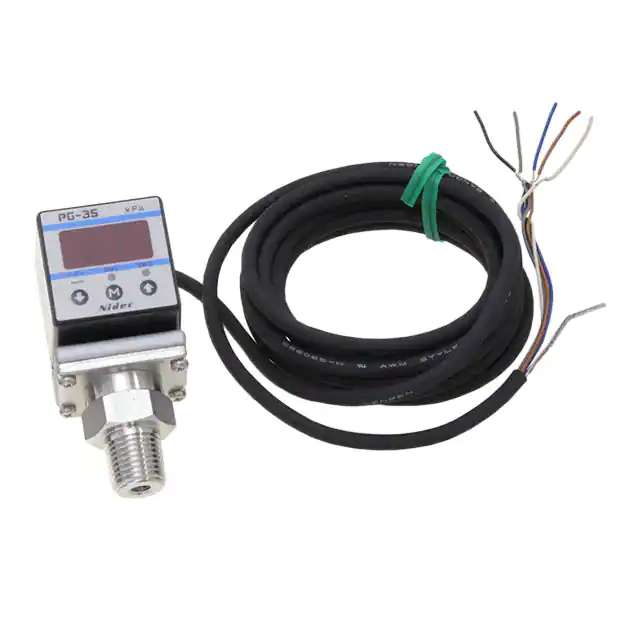
-
PG-35-102R-PR2
Nidec Components Corporation
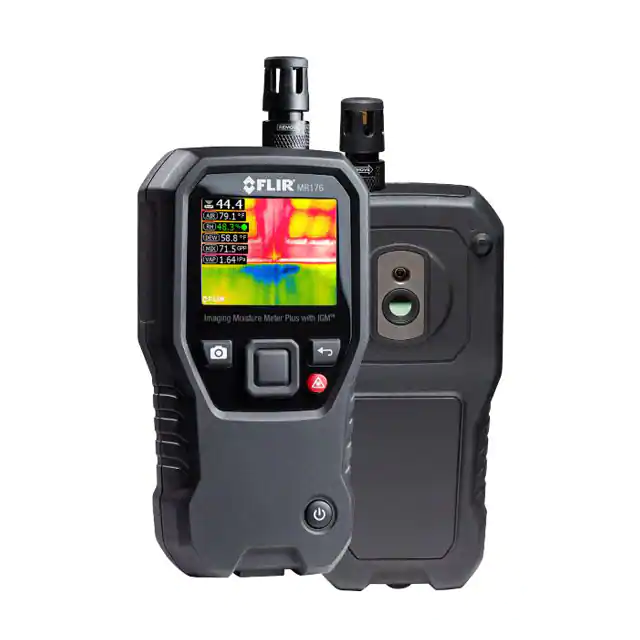
-
MR176
Teledyne FLIR Commercial Systems
-
810017
Sper Scientific
-
810012
Sper Scientific
Procurement Guides
Review sourcing evidence, traceability documents and open-market risks before placing an order.

- Help you to save your cost and time.

- Reliable package for your goods.

- Fast reliable delivery to save time.

- Quality premium after-sale service.



